AI tools have changed how websites are planned, designed, and built. What used to take weeks can now be done in hours with the right tools. From layout ideas to full websites, AI now supports almost every step.
The key is knowing which tool does what. Some tools create full websites, others help with design, and some focus on code or content. Once you understand this, you can build faster and still keep quality high.
AI Website Builders That Create Full Websites
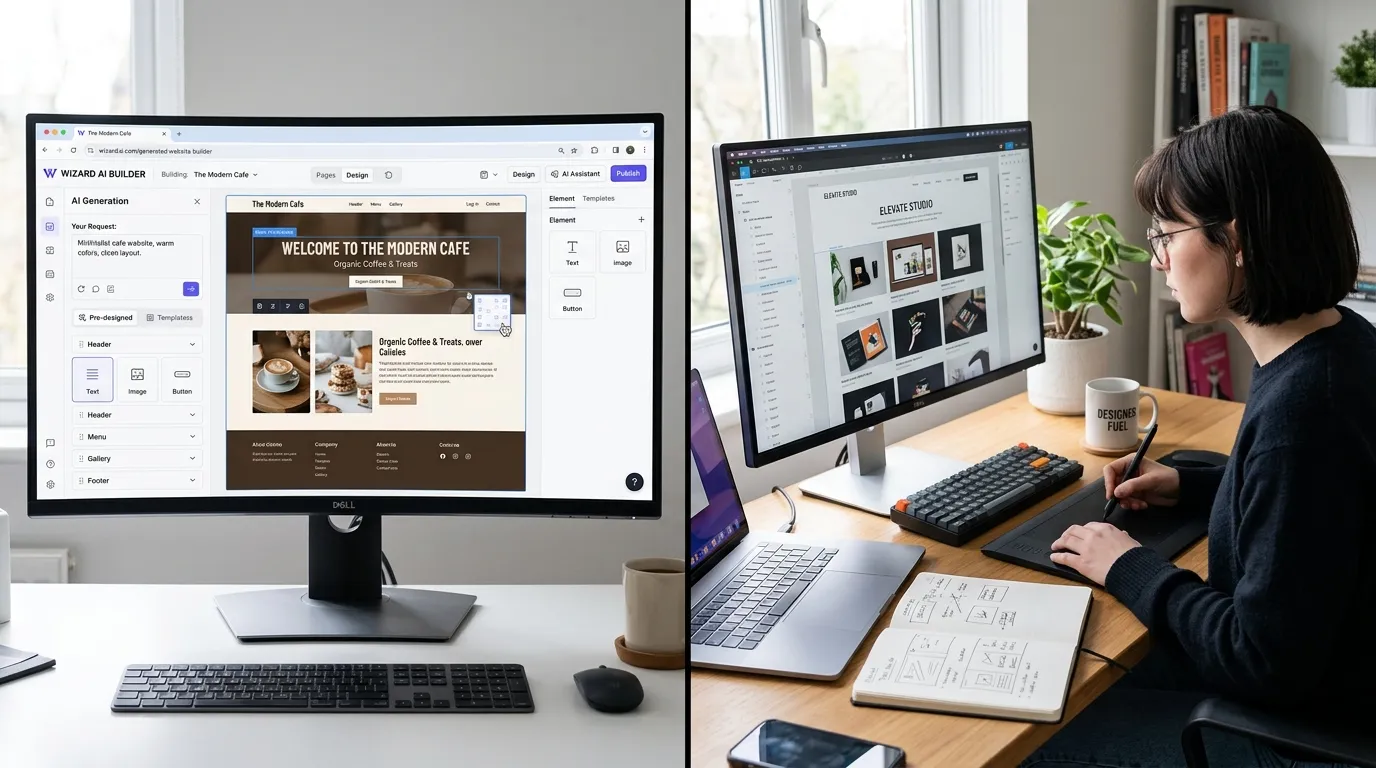
AI website builders are the easiest way to get started. You describe your business, and the tool creates a full website with layout, text, and design. This removes the need to start from scratch.
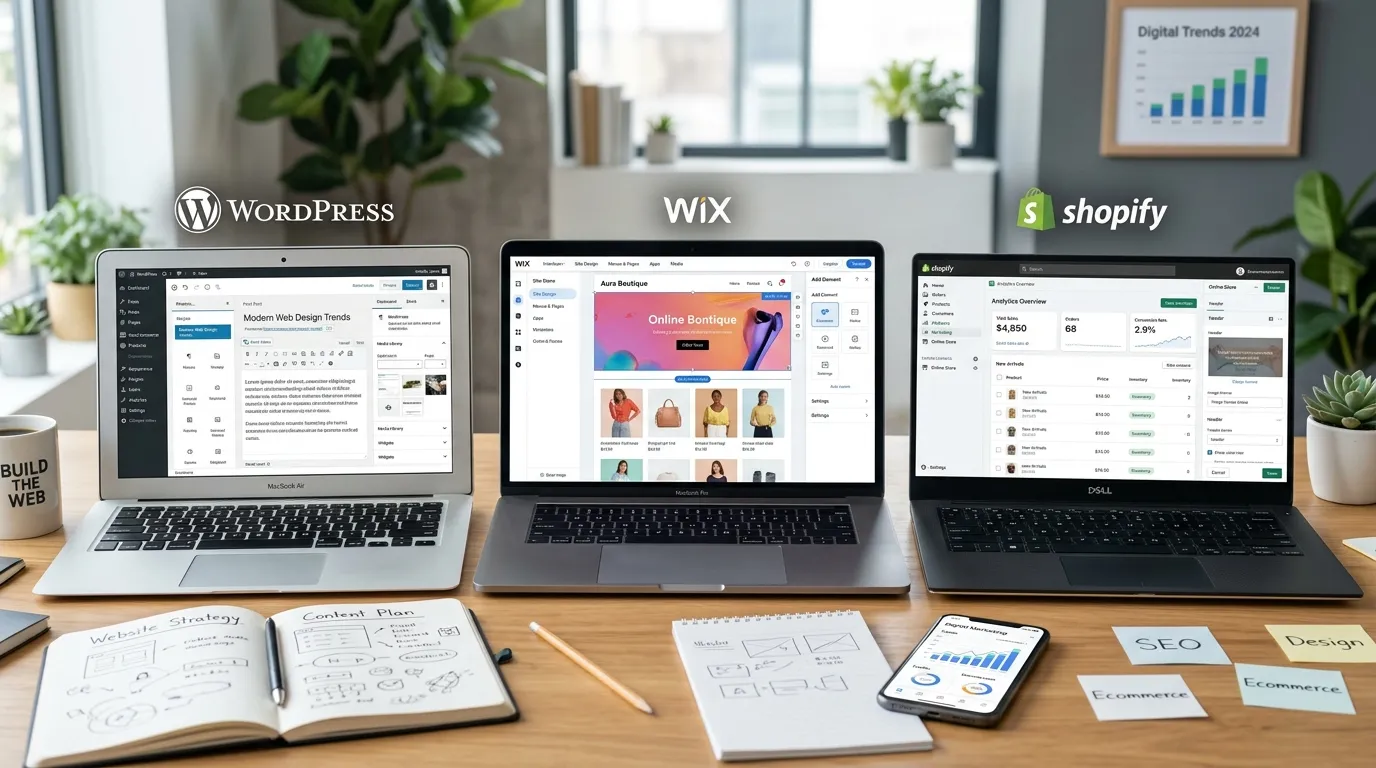
Popular tools like Wix AI, Hostinger AI, and Durable can generate a working site in minutes. These platforms handle structure, design, and even basic SEO. Many of them are built for beginners, so you don’t need coding skills to launch a site.
They work best for small business sites, portfolios, and landing pages where speed matters more than deep customization.
AI Design Tools For UI And UX Creation
Some tools focus only on design, not full website building. These are useful for designers who want better layouts, faster wireframes, and clean UI ideas.
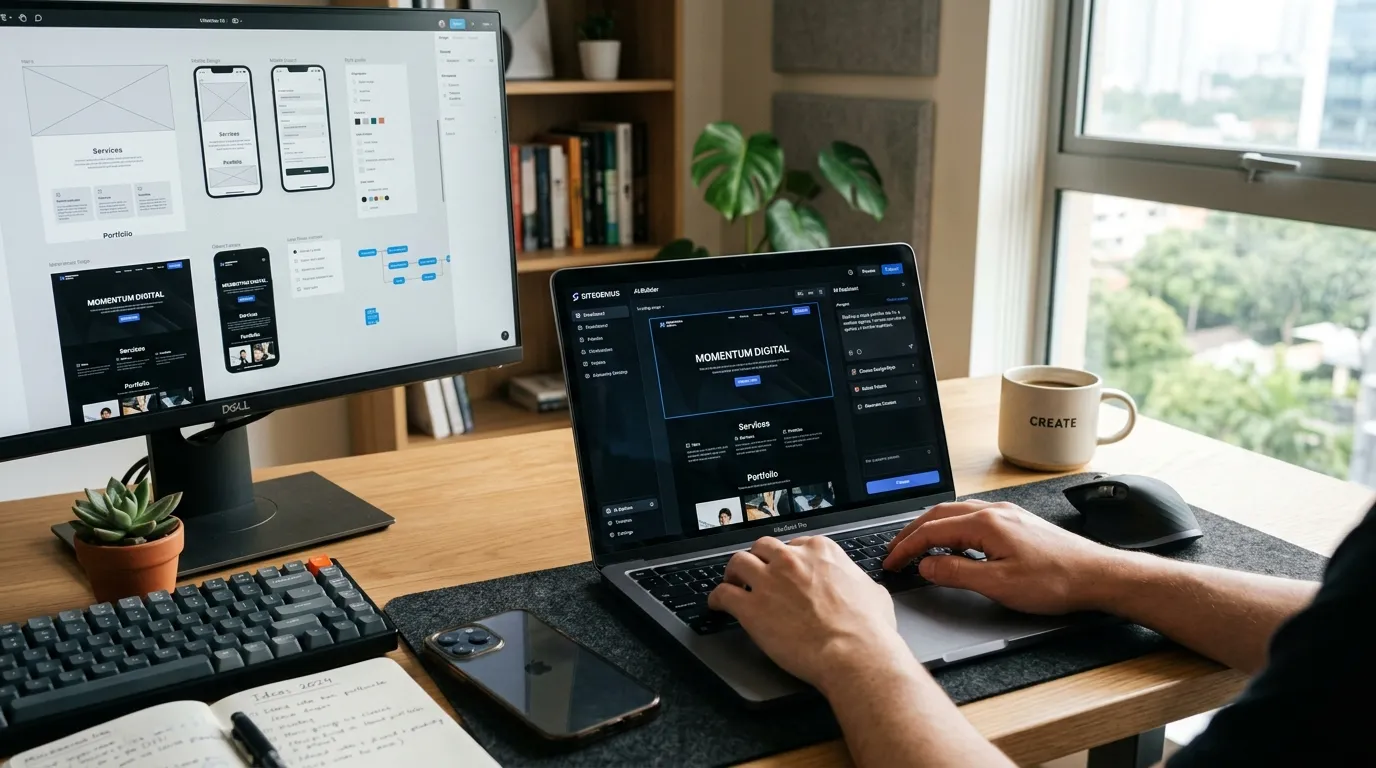
Tools like Figma AI, Galileo AI, and Uizard help generate design screens from simple text prompts. They can create full user flows, layouts, and interface ideas that match modern design standards.
These tools are strong for planning and visual work, but they usually need another tool to turn designs into live websites.
AI Tools For Wireframing And Planning
Before designing a website, you need structure. This includes sitemap, page flow, and content layout. AI tools now handle this stage very well.
Tools like Relume and UX Pilot can generate wireframes and site structure based on a short description. They help you plan sections, navigation, and content hierarchy quickly.
This saves time and gives a clear starting point, especially useful for agencies and freelancers working on multiple projects.
AI Tools For Frontend Code Generation
Once the design is ready, the next step is code. AI tools now help generate HTML, CSS, and even full frontend code.
Tools like Locofy and GitHub Copilot convert designs into working code or assist developers while coding. They reduce manual work and help fix errors quickly.
These tools are best for developers who want speed, but they still need review and testing before going live.
AI Tools For Content And Copywriting
A website is not just design. Content plays a huge role in how users interact and how search engines rank pages. AI tools help create clear and structured content fast.
Tools like ChatGPT and similar AI assistants help write headings, product descriptions, and landing page copy. They also improve readability and keyword use, which supports SEO.
This makes them useful for both designers and marketers who want strong content without hiring separate writers.
AI Tools For Images And Visual Assets
Visuals shape how a website feels. AI tools now generate images, graphics, and even branding elements without hiring a designer.
Tools like Midjourney create high-quality images for hero sections, backgrounds, and marketing visuals. These images can match your theme and style easily.
This helps reduce cost and gives more creative control, especially for startups and small teams.
How To Choose The Right AI Tool
The best tool depends on your goal. If you want a full website fast, go for AI builders. If you are focused on design quality, use UI tools like Figma AI or Galileo.
For developers, code tools like Copilot or Locofy make more sense. For content, AI writing tools are the best option. Each tool solves a different part of the process.
The smart approach is to combine tools instead of relying on just one.
Final Thoughts
AI tools are now a big part of website design. They help speed up work, reduce effort, and make design more accessible to everyone.
Still, they are tools, not replacements. Good websites still need human thinking, clear ideas, and proper planning. The best results come when you use AI to assist your process, not control it.