For many UK businesses, the website acts as the main sales channel, booking system, and brand face. If that site gets hacked or goes offline, the damage goes far beyond lost traffic. Customers lose trust, search rankings drop, and recovery can take weeks.
WordPress itself is secure, but most problems happen because basic protection steps are skipped. These ten security practices help businesses prevent attacks and keep their websites safe long term.
Use Strong Passwords Across The Entire Website
Weak passwords remain the number one cause of hacked websites. Many attacks use automated bots that test thousands of password combinations within minutes. If team members reuse simple passwords across services, the risk increases even more.
Every user account should use long passwords that include numbers, symbols, and mixed case letters. Password managers make this easy and remove the need to remember complex combinations. A strong password policy instantly blocks a huge percentage of attacks.
Enable Two Factor Authentication For All Logins
Two factor authentication adds an extra verification step during login. Even if a password gets leaked or guessed, attackers still need a temporary code generated on a phone or app. This makes unauthorized access extremely difficult.
For business websites, two factor authentication should be mandatory for administrators, editors, and anyone with access to sensitive data. It is one of the simplest ways to stop account takeovers.
Keep WordPress Core Updated At All Times
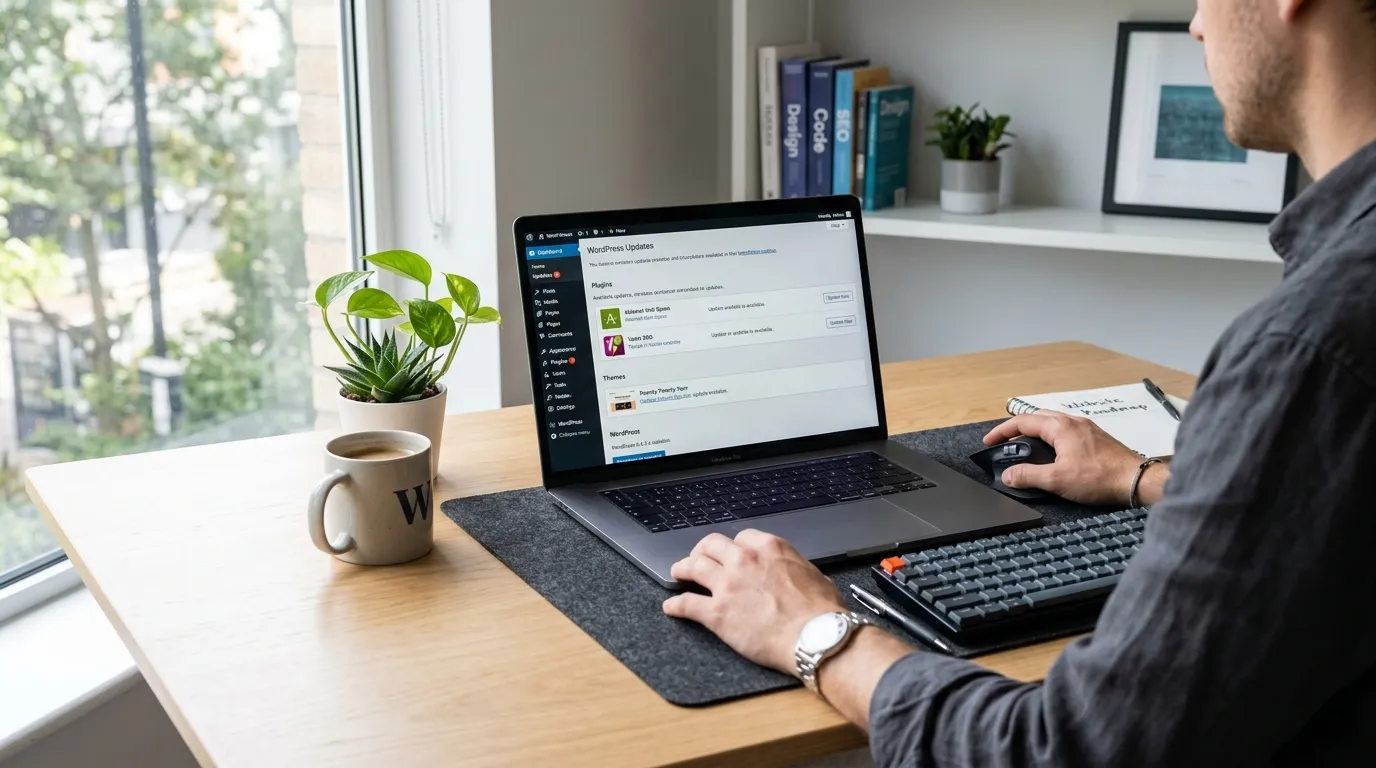
Every WordPress update includes bug fixes and security improvements. Running outdated versions leaves websites exposed to known vulnerabilities that attackers actively search for.
Automatic updates help businesses stay protected without needing constant manual checks. Keeping WordPress updated ensures the website stays stable and protected from newly discovered threats.
Remove Unused Plugins And Themes
Unused plugins and themes often remain forgotten inside the website. Even when inactive, they can still contain vulnerabilities that attackers exploit.
Businesses should regularly review installed tools and delete anything no longer needed. A smaller and cleaner website reduces the number of possible entry points for hackers.
Install A Reliable WordPress Security Plugin
Security plugins act as a protective shield for the website. They monitor traffic, block suspicious activity, and scan files for malware. Without these tools, many threats go unnoticed until damage is done.
A good security plugin provides real time alerts and helps detect problems early. Early detection reduces downtime and prevents data loss.
Choose High Quality Managed Hosting
Website hosting plays a major role in security. Reliable hosting providers offer firewalls, malware scanning, and server monitoring. Cheap hosting often lacks these protections and leaves websites vulnerable.
Managed WordPress hosting adds another layer of safety by handling updates, backups, and server level security automatically.
Enable SSL And Use HTTPS Everywhere
SSL encryption protects data shared between visitors and the website. This includes contact forms, login details, and payment information. Without encryption, this data can be intercepted.
HTTPS also builds trust with visitors and helps search rankings. A secure connection is now a basic requirement for every business website.
Limit Login Attempts To Block Bots
Automated bots constantly attempt to guess passwords through repeated login attempts. Without restrictions, they can try thousands of combinations every hour.
Limiting login attempts blocks these repeated attempts and stops brute force attacks early. This simple change greatly reduces the risk of unauthorized access.
Schedule Automatic Daily Backups
Backups act as insurance for a business website. If a hack, crash, or update error happens, backups allow quick recovery without losing data.
Daily automated backups ensure the website can be restored within minutes. Without backups, recovery becomes slow and expensive.
Monitor Website Activity Regularly
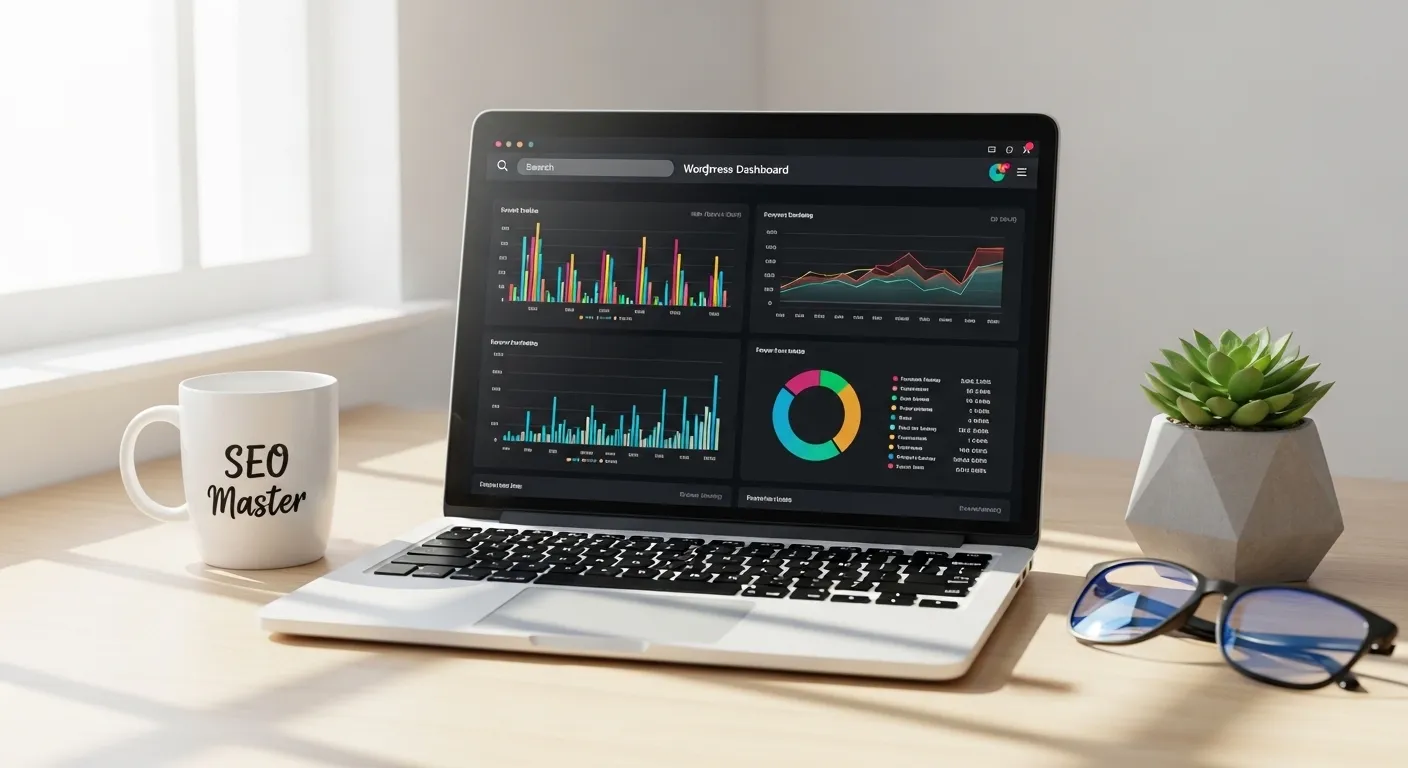
Website monitoring helps detect suspicious behaviour before it turns into a serious issue. Unexpected logins, file changes, or traffic spikes often signal a security problem.
Regular monitoring and alerts allow businesses to act quickly and stop attacks early. Early action prevents major downtime and protects customer trust.
Conclusion
Website security should never be treated as a one time task. It requires ongoing attention, updates, and monitoring. Businesses that follow these ten practices reduce risks and protect their reputation.
For UK companies that rely on their websites for leads and sales, strong WordPress security protects both customers and long term growth.