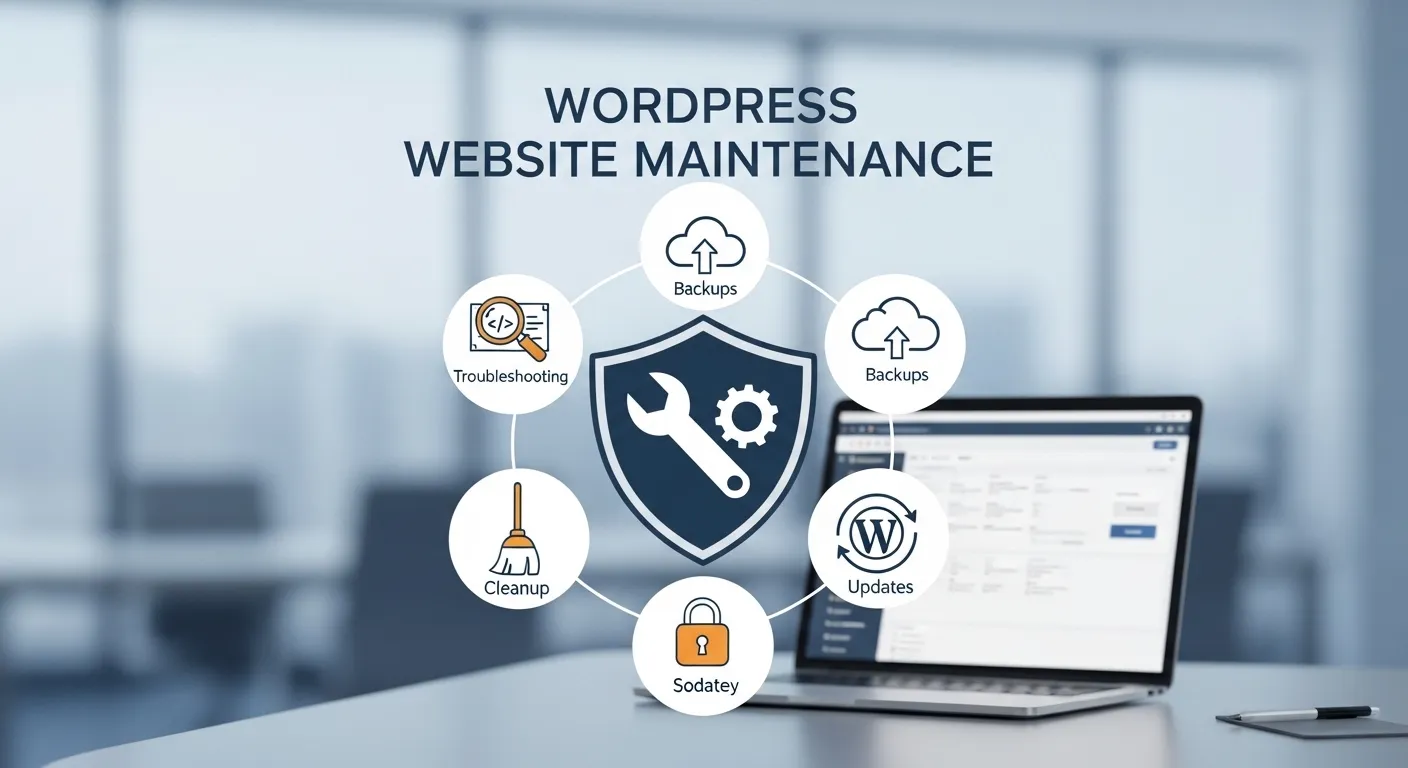
A WordPress website needs regular care to stay fast, secure, and reliable. Many business owners launch a site and then forget about maintenance. Over time this leads to slow loading pages, broken features, and security risks that can harm both traffic and customer trust.
Website maintenance keeps everything working the way it should. Updates, backups, security checks, and performance improvements help a site run smoothly for visitors and search engines. A well maintained website also improves visibility in Google Search because search engines prefer sites that load fast and stay active.
This guide explains how to maintain a WordPress website properly. Each section covers an important task that helps protect your site, improve performance, and keep visitors satisfied.
Updating WordPress Core
Why WordPress Updates Matter
The WordPress Core software receives regular updates that improve security, stability, and performance. These updates fix bugs, close security gaps, and improve compatibility with modern web technologies. Running an outdated version can expose the website to security threats.
Search engines also prefer stable websites that work correctly on all devices. Updating WordPress helps maintain compatibility with browsers such as Google Chrome and Safari, which improves the user experience.
How To Safely Update WordPress
Before installing any update, a complete website backup should always be created. This ensures the site can be restored if something unexpected happens during the update process.
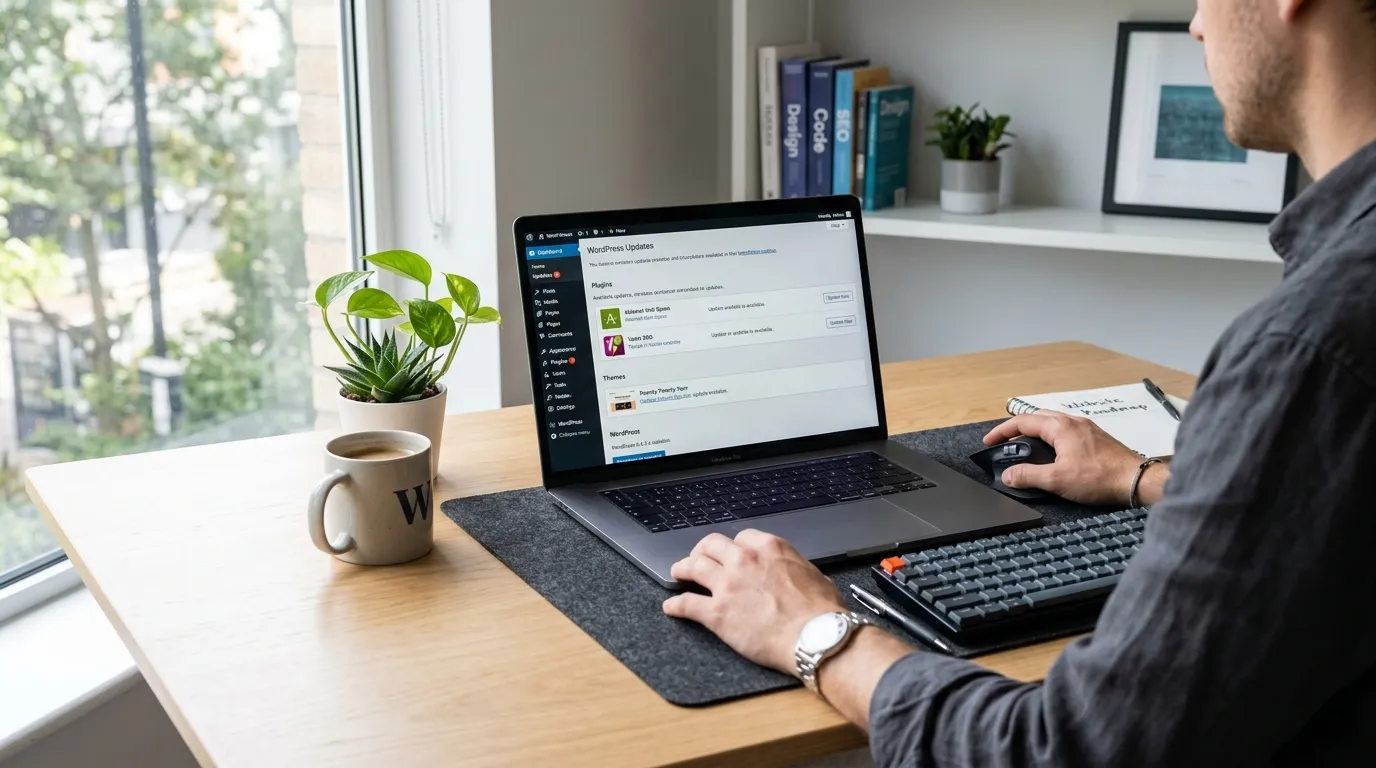
After the backup, updates can be installed from the WordPress dashboard. It is also helpful to test updates on a staging environment before applying them to a live business website.
Plugin Maintenance
Keeping Plugins Updated
Plugins add important features such as SEO tools, contact forms, and security protection. These plugins also receive updates that improve performance and fix vulnerabilities. Running outdated plugins can create security risks and compatibility issues.
A business website should review plugin updates frequently. Keeping plugins updated ensures they continue to work correctly with the latest WordPress version.
Removing Unused Plugins
Unused plugins often remain installed even after they stop being used. These inactive plugins still take up space and can create security risks if they become outdated.
Removing unnecessary plugins helps keep the website lighter and safer. It also reduces the chance of conflicts that may affect performance or design.
Theme Maintenance
Updating WordPress Themes
Themes control the visual appearance of a WordPress website. Theme developers release updates to improve design compatibility and security. Using an outdated theme may lead to layout errors or broken features.
Regular theme updates help maintain compatibility with modern browsers and devices. This ensures the website continues to display correctly for visitors on both desktop and mobile screens.
Checking Theme Performance
Some themes include heavy design elements that slow down the website. Reviewing theme performance helps identify unnecessary scripts or styles that affect loading speed.
Business websites should test theme performance using tools such as Google PageSpeed Insights. A fast theme improves user experience and helps maintain strong search visibility.
Website Backup Management
Importance Of Regular Backups
Backups protect the website from data loss caused by server issues, hacking attempts, or accidental changes. A backup includes all website files, images, and the WordPress database.
Without backups, recovering a damaged website becomes extremely difficult. Regular backups provide a safe copy that can restore the site quickly.
Where To Store Backups
Backups should be stored outside the main hosting server. Cloud storage platforms such as Google Drive or Dropbox provide safe locations for storing backup files.
Keeping multiple backup copies ensures a website can be restored even if the main server experiences serious problems.
Security Monitoring
Protecting The Website From Threats
Security monitoring helps detect harmful activity before it damages the website. Threats such as brute force login attempts, malware, and spam attacks are common on WordPress sites.
Security plugins and firewalls help block suspicious traffic and alert website owners when unusual activity appears. These tools protect sensitive data and maintain website stability.
Managing User Access
Business websites often have multiple users such as administrators, editors, and content writers. Each user account should have the correct permission level to prevent accidental changes.
Strong passwords and limited administrator access help reduce security risks. Regular reviews of user accounts also prevent unauthorized access.
Performance Optimization
Improving Website Speed
Website speed plays a large role in user satisfaction and search ranking. Slow loading pages often cause visitors to leave the site quickly, increasing bounce rate.
Performance improvements such as caching, image compression, and database cleaning help reduce loading time. Faster websites provide a better experience for both visitors and search engines.
Monitoring Core Web Vitals
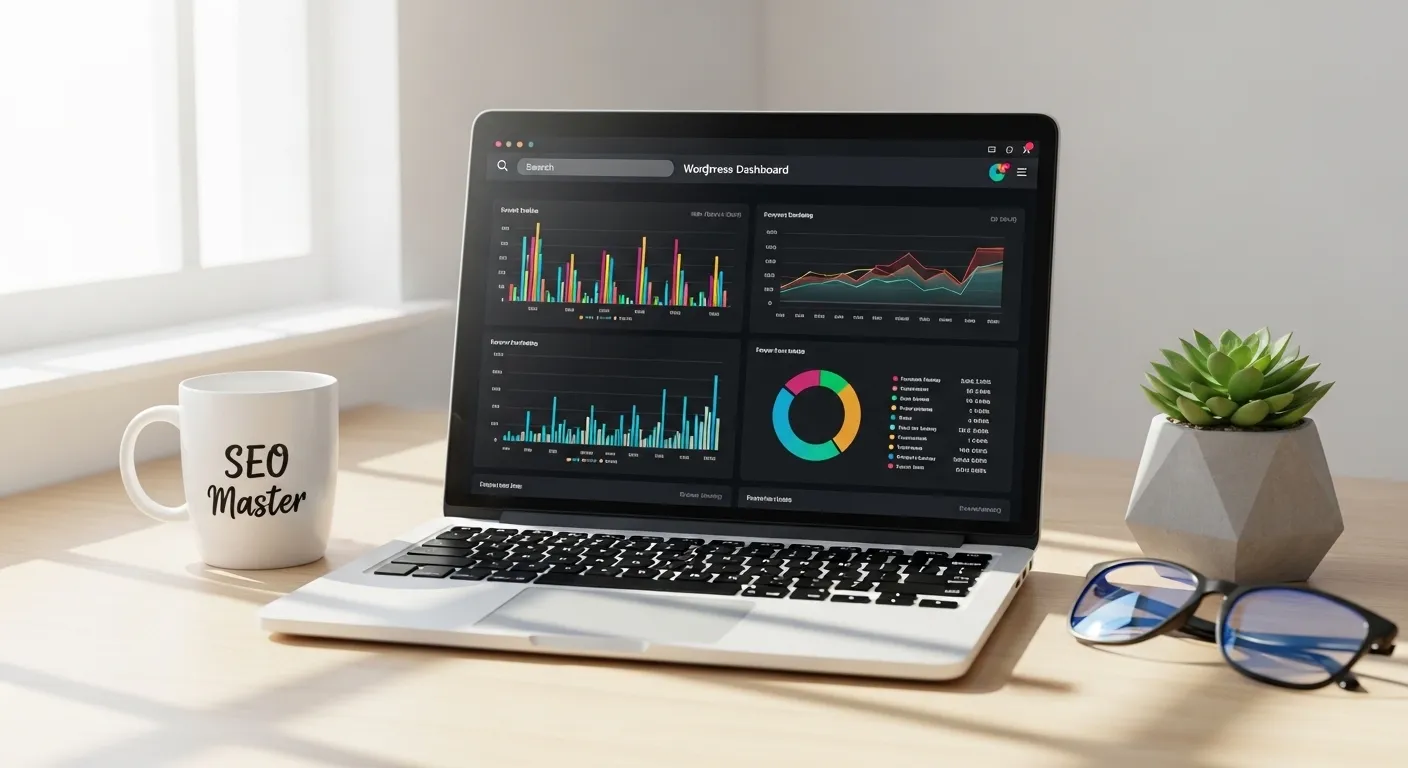
Core Web Vitals measure page loading speed, visual stability, and interaction responsiveness. These metrics influence how search engines evaluate page experience.
Tools such as Google Search Console help website owners monitor these performance signals. Regular checks allow businesses to fix issues that may affect search visibility.
Content And SEO Maintenance
Updating Existing Content
Website content should stay accurate and relevant. Older pages may contain outdated information, broken references, or missing details that reduce their value.
Updating existing articles improves their usefulness for readers. Search engines also prefer pages that remain current and helpful.
Monitoring Search Performance
Tracking search performance helps businesses understand which pages attract visitors. Tools such as Google Analytics and Google Search Console provide valuable insights into traffic and keyword visibility.
This data helps site owners improve content strategy and identify areas where optimization may increase traffic.
Broken Link And Error Monitoring
Fixing Broken Links
Broken links appear when a page or file no longer exists at its original location. These links create a poor user experience and may affect search visibility.
Regular link checks help identify pages that return errors such as 404 status codes. Fixing or redirecting these links keeps navigation smooth for visitors.
Monitoring Website Errors
Website errors can occur due to plugin conflicts, server issues, or incorrect configurations. Monitoring error logs helps detect problems before they affect visitors.
Regular checks allow website owners to correct errors quickly and maintain a stable browsing experience.
Conclusion
WordPress website maintenance is an ongoing responsibility that protects performance, security, and user experience. Tasks such as updating the core system, managing plugins, monitoring security, and optimizing speed help maintain a healthy website.
A business website that receives regular maintenance stays reliable and trustworthy. Visitors can browse pages smoothly, search engines can crawl content efficiently, and customer data remains protected.
By following a consistent maintenance routine, businesses ensure their WordPress websites continue supporting growth, traffic, and long term online presence.