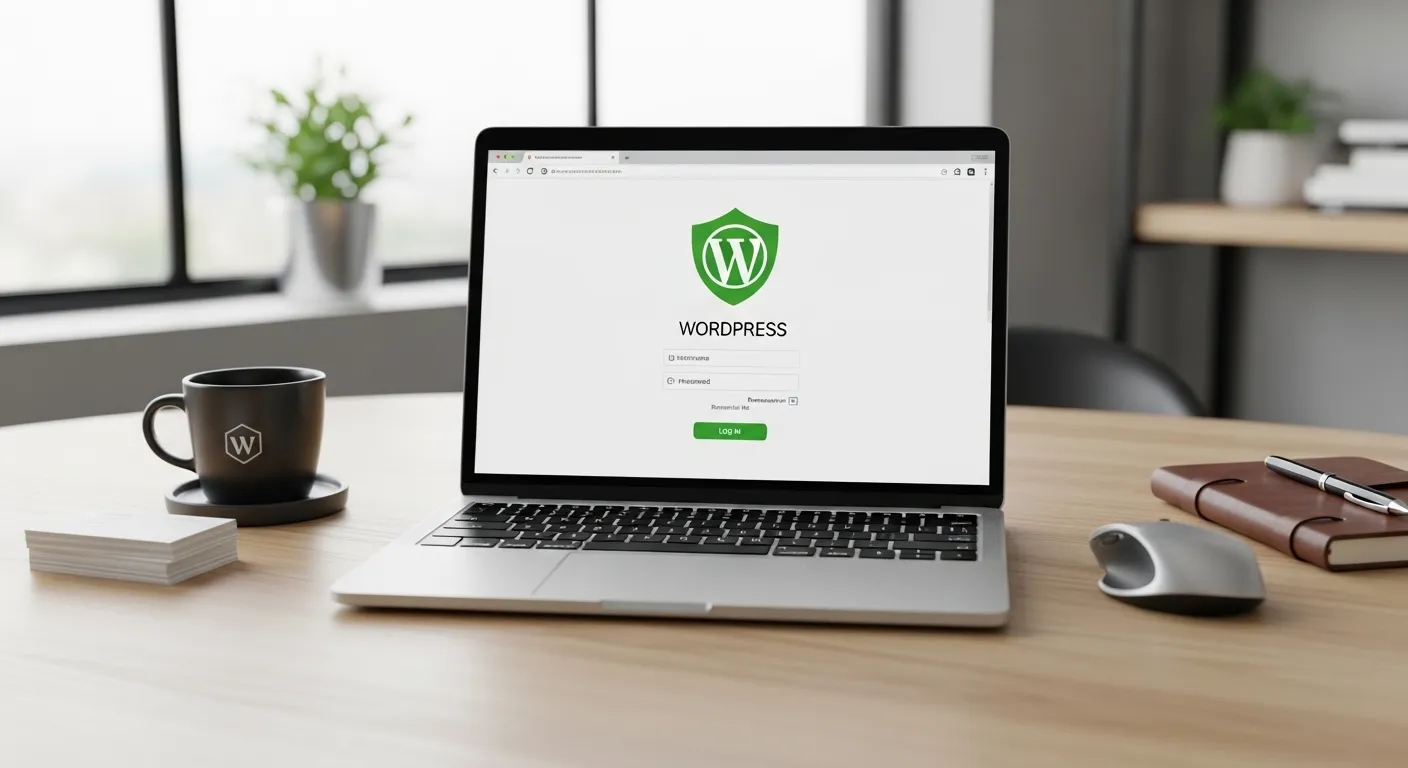
Running a website on WordPress feels simple at first, but things can break fast if updates are ignored. Many site owners delay updates out of fear of errors or downtime.
I’ve seen sites lose traffic, slow down, or even get hacked just because updates were skipped. The real question is not if you should update, but how often and how to do it safely.
Why WordPress Updates Matter?
WordPress updates fix bugs, improve speed, and close security gaps that hackers often target. Each update is tested to keep your site stable with new features and better performance. Skipping updates means running outdated code, which slowly weakens your website. Keeping things current protects your data and keeps your site working smoothly for visitors.
Types Of WordPress Updates
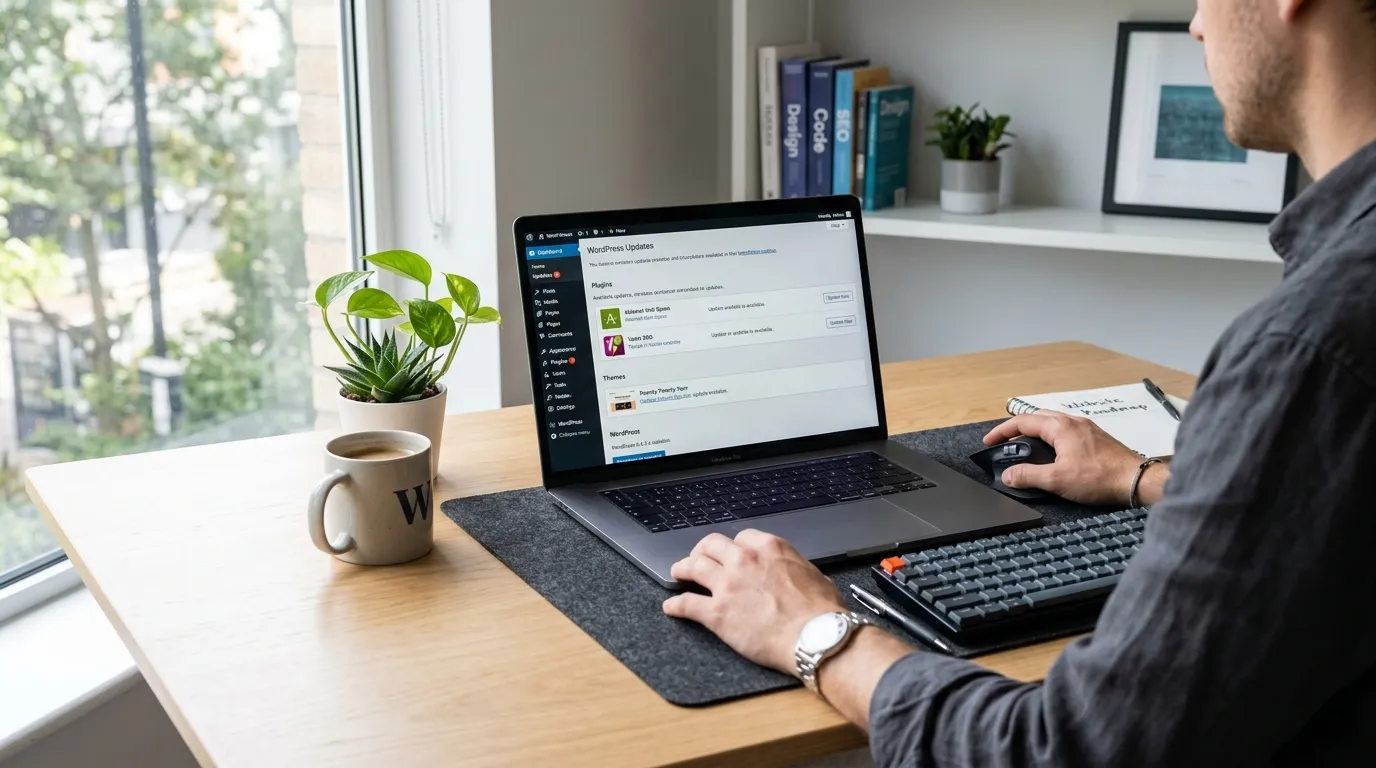
There are three main types: core updates, plugin updates, and theme updates. Core updates improve the main system, while plugins add features and themes control design. Each type works together, so ignoring one can break the balance. A small plugin update can affect the whole site if it conflicts with other parts.
How Often Should You Update WordPress Core?
Core updates should be done as soon as they are released, especially security updates. Minor updates can be applied immediately since they rarely cause issues. Major updates may need testing on a staging site first. Delaying core updates for too long increases risk, so staying current is always the safer choice.
How Often Should You Update Plugins?
Plugins should be checked weekly and updated regularly to avoid compatibility issues. Some plugins release frequent patches, especially security fixes. Outdated plugins are one of the biggest reasons websites get hacked. Keeping them updated ensures your site stays stable and works well with the latest WordPress version.
How Often Should You Update Themes?
Themes should be updated whenever a new version is available, especially if it includes security fixes. If you use a custom theme, updates must be handled carefully to avoid losing changes. A well-maintained theme keeps your design consistent and prevents display errors. Ignoring theme updates can lead to broken layouts or slow loading pages.
Best Time To Perform Updates
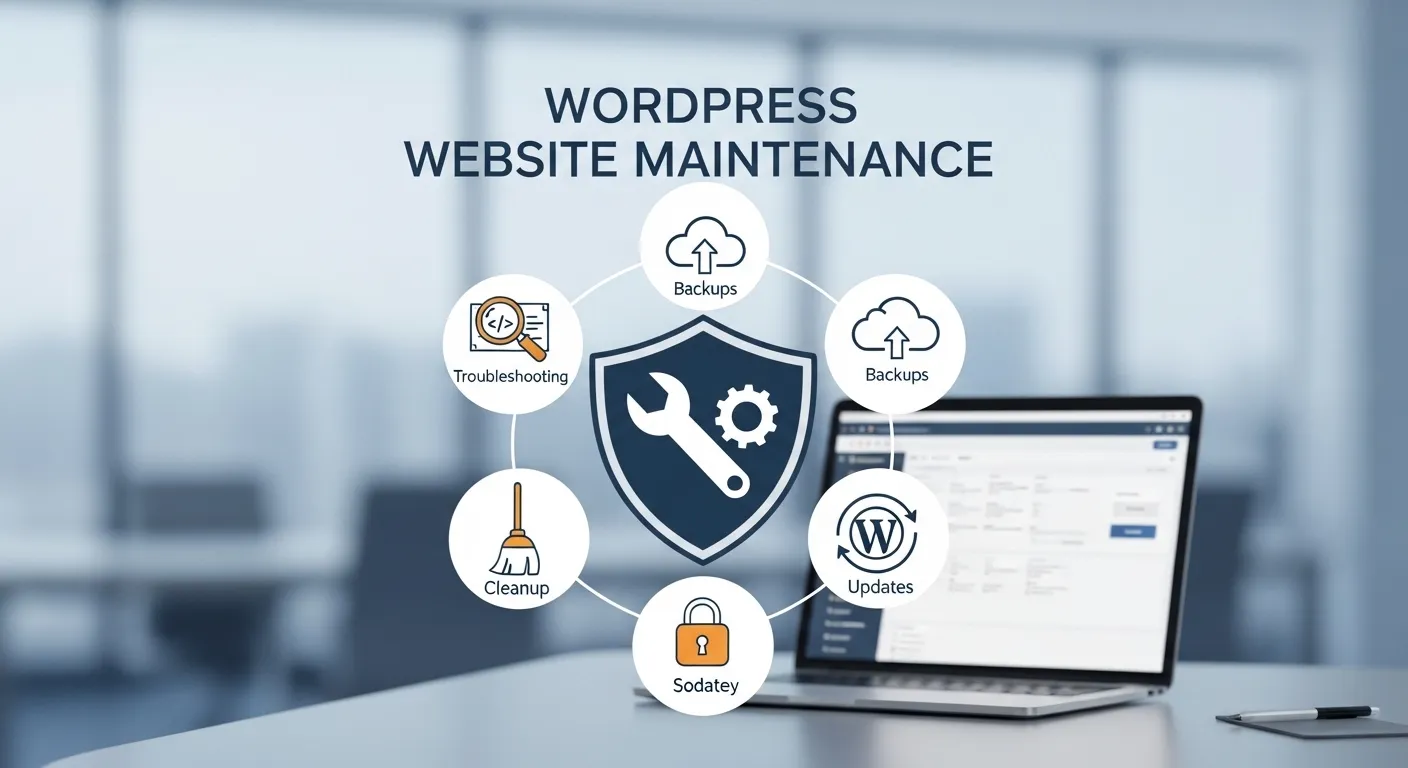
Updates should be done during low traffic hours to avoid affecting users. Early morning or late night works best for most sites. Before updating, always take a full backup so you can restore your site if something goes wrong. This simple habit saves hours of stress if an update causes issues.
Risks Of Not Updating WordPress
Skipping updates exposes your site to malware, data loss, and performance problems. Hackers often target known vulnerabilities in outdated versions. Over time, your site may also become incompatible with newer tools or browsers. This can lead to broken features and a poor user experience.
How To Update WordPress Safely?
Start with a backup, then update core, plugins, and themes step by step. Test your site after each update to catch issues early. Using a staging environment helps you test changes without affecting your live site. This approach keeps your website safe while still staying up to date.
Common Mistakes To Avoid
Many users update everything at once without testing, which can break the site. Others ignore updates completely out of fear, which is even worse. Not keeping backups is another major mistake. A balanced approach with regular updates and proper testing keeps your site secure and stable.
Conclusion
Updating WordPress is not something you do once and forget. It is a regular habit that keeps your website safe, fast, and reliable. From personal experience, sites that stay updated face fewer issues and perform better over time. If you treat updates as routine maintenance instead of a risk, your website will stay strong and dependable.